If you 're using the WordPress Classic Editor:
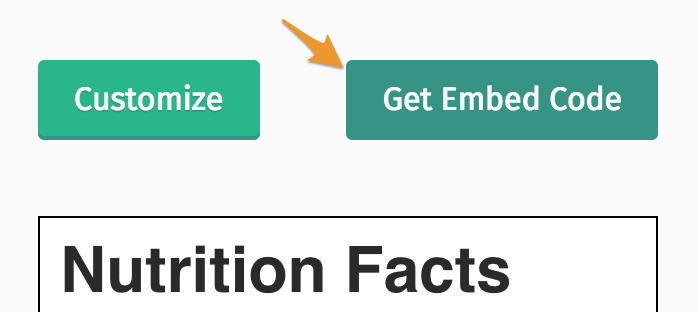
1. Select the Get Embed Code button.
2. Copy the embed code.
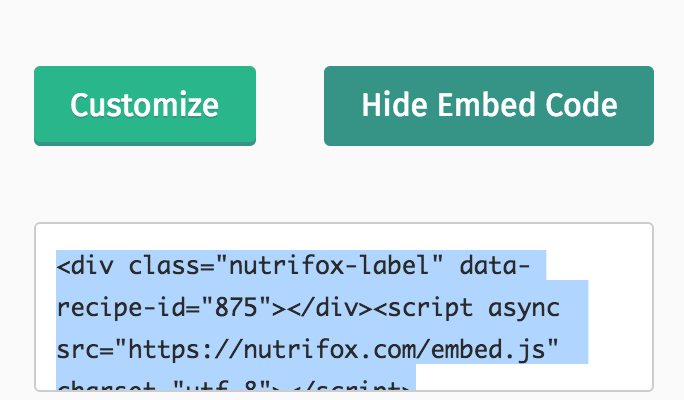
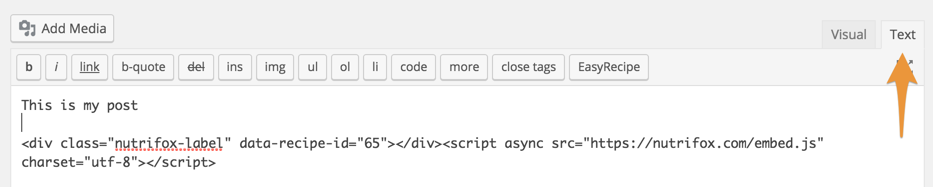
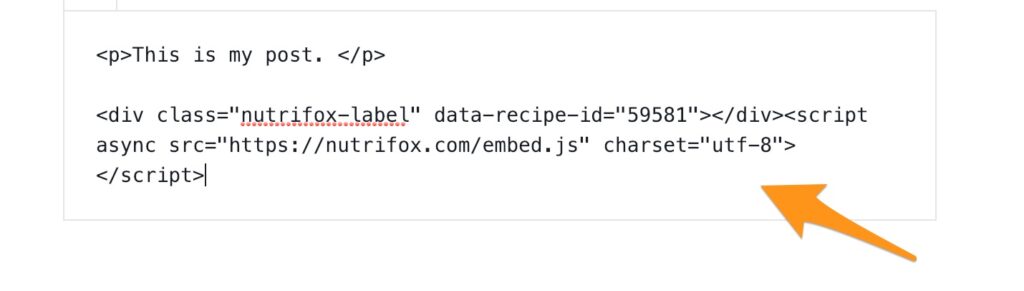
3. Paste the embed code on the text tab on WordPress underneath your recipe plugin.
4. If you've updated to Gutenberg, change to Edit as HTML.
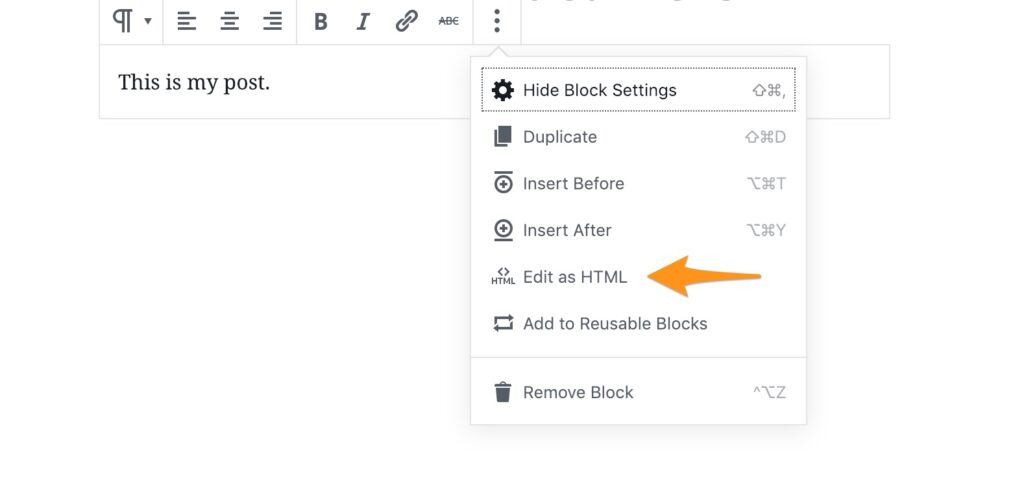
5. Paste the embed code below your text.
If you 're using WordPress' Gutenberg Editor:
You can follow these instructions.
If you 're using Squarespace:
- Use the Embed Block to add your nutrition label to your site. Here are more directions on that.
That's it! You can view your label by following these instructions.
Still need help? Contact us.